PER-APP VOLUME CONTROLYour Mac’s
Your Mac’s
volume mixer.
Give every app its own volume level and keep your Mac sounding exactly how you want.
HEAR EACH APP THE WAY YOU WANT
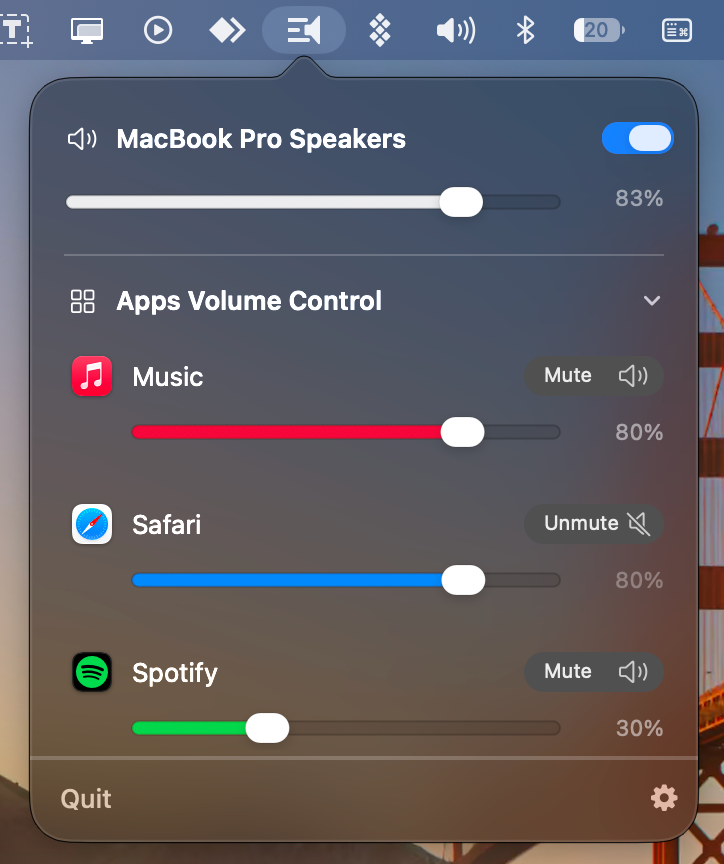
Music up. Browser lower. One app muted.
Volora separates the apps you are listening to from the single master volume, so one loud app does not have to dictate the level of everything else.
ONE CLEAN MENU
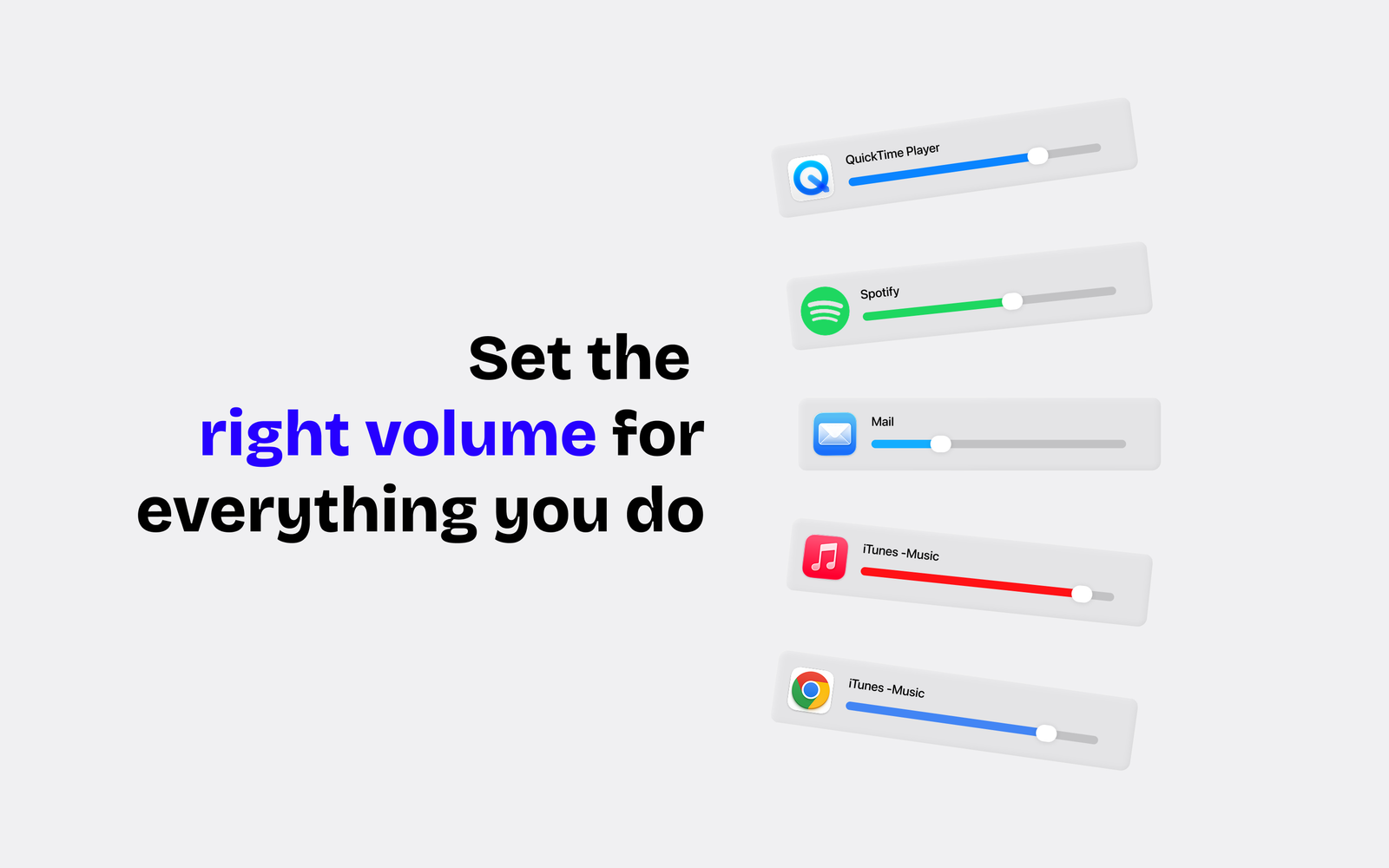
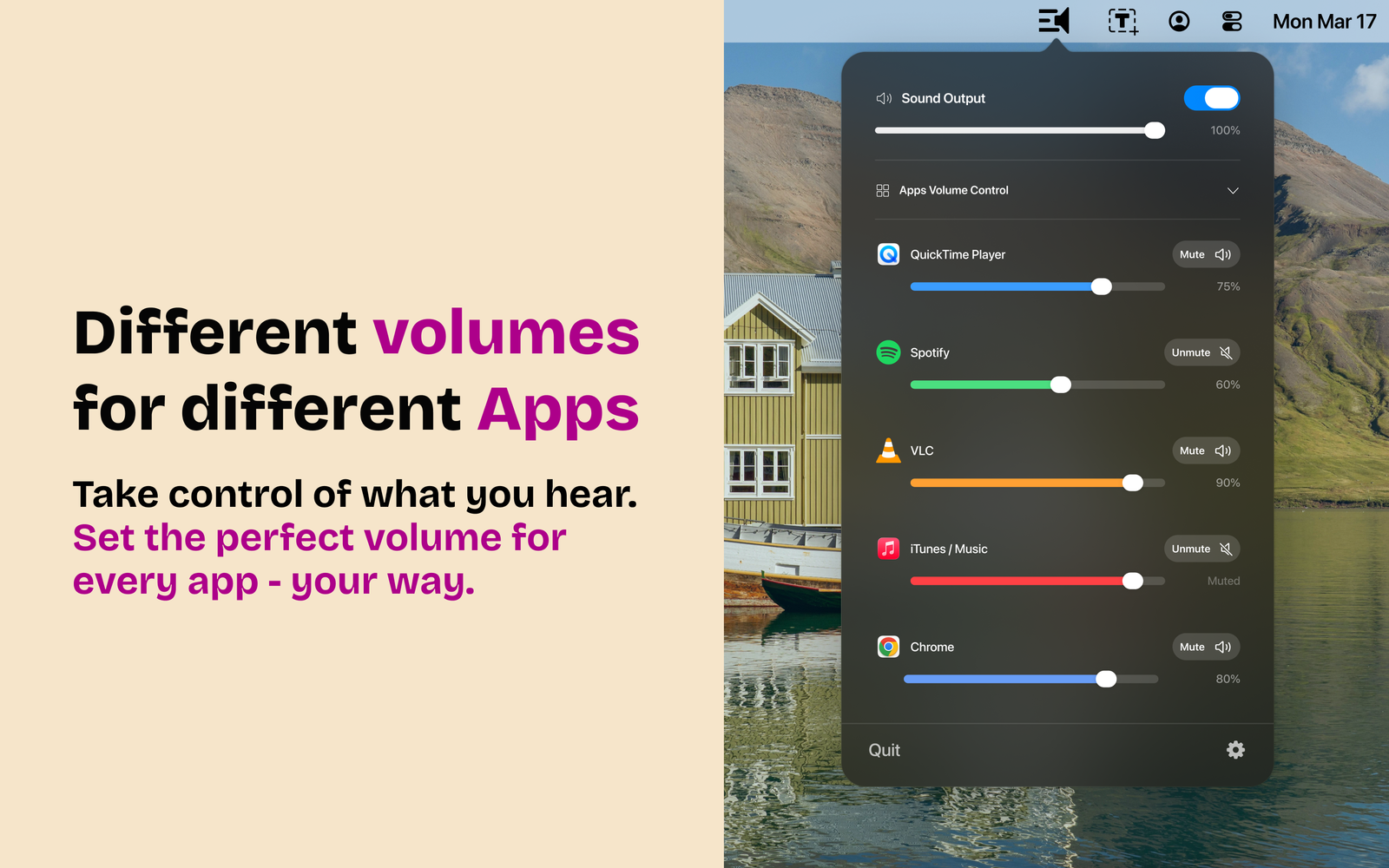
System volume above. App volumes below.
The interface keeps the Mac’s overall output control in view while giving each active audio app its own slider and mute state.
- Independent volume levels
- Mute or unmute one app
- Keep master output available
- Fast menu-bar access
PRIVACY
Understand what Volora needs to control app audio.
Review what Volora needs locally to identify supported apps and control their volume.
Privacy Policy →TERMS
Compatibility depends on the app and macOS.
Read the terms and limitations for per-app audio control.
Terms & Conditions →