AUDIO · DISPLAY · DESKTOP

Easily

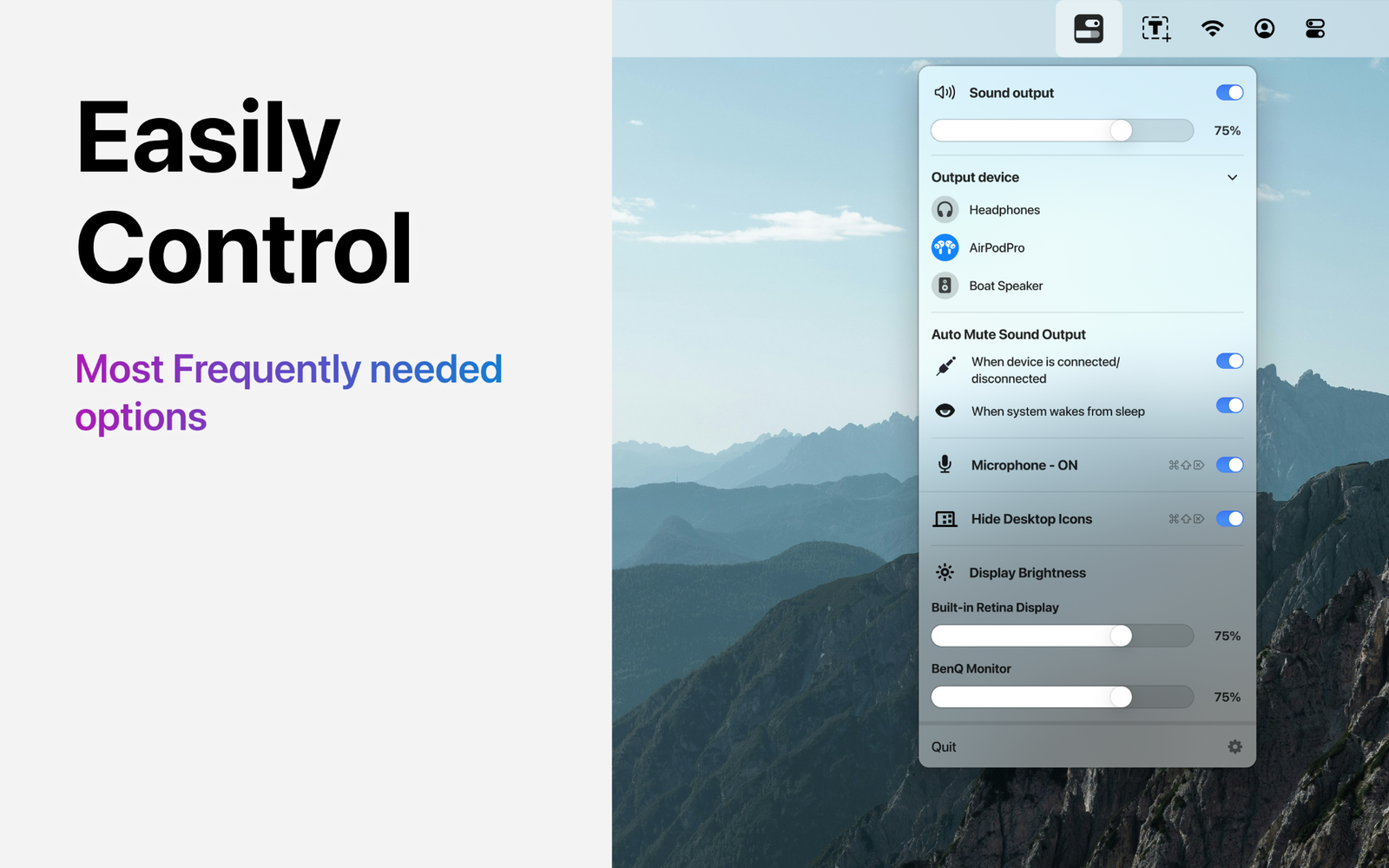
Bring your most frequently needed Mac controls into one compact menu-bar utility.

No cloud storageNo third-party trackingmacOS utility
Easily quick controls on Mac
One compact control centre

Common controls.
Fewer steps.

Reach frequently used options without repeatedly opening System Settings.

◖))

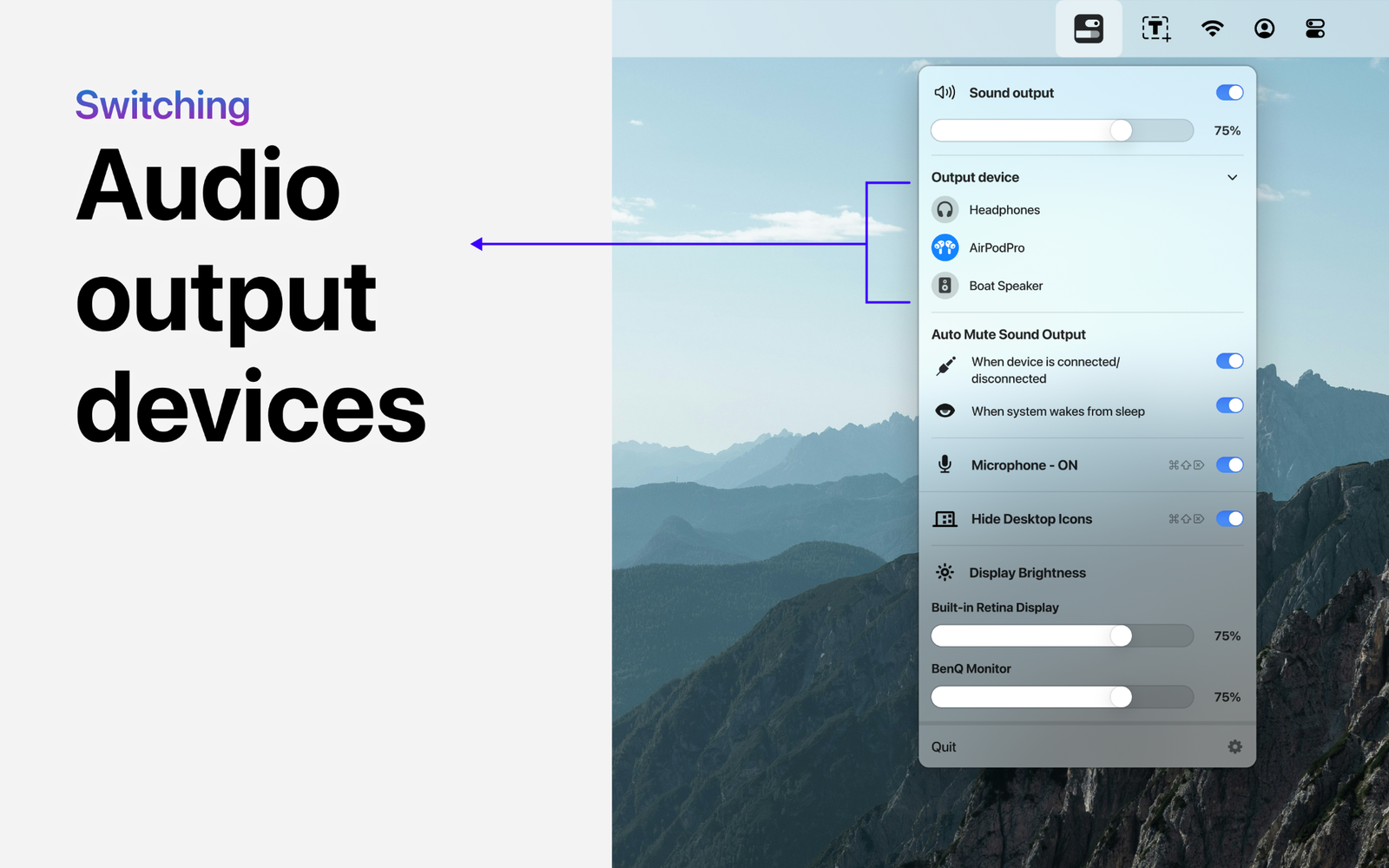
Switch audio output

Choose available headphones, speakers and other audio-output devices.

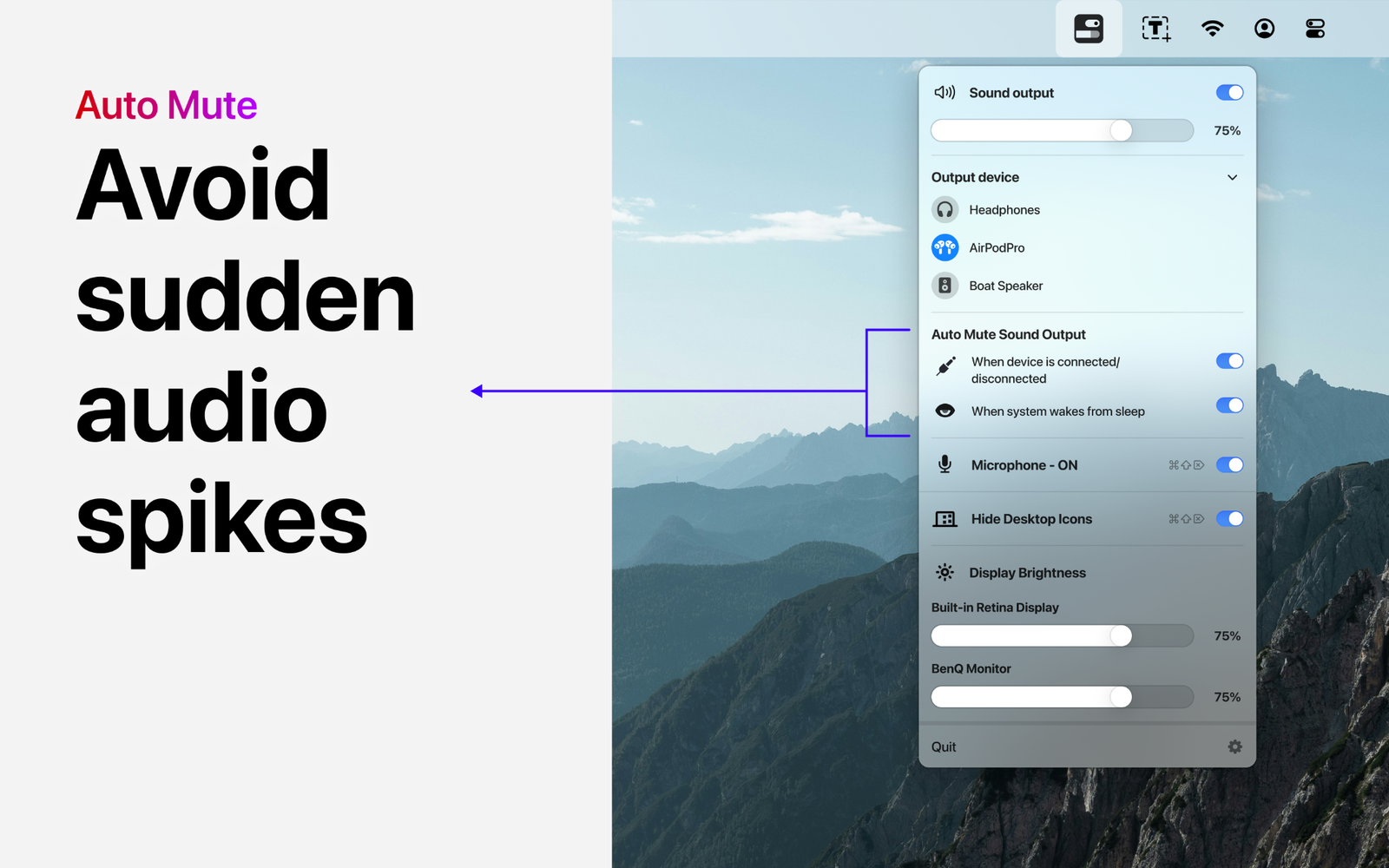
Auto-mute output

Automatically mute sound during supported connection changes or system wake.

Mute microphone

Quickly control microphone state for meetings and privacy.

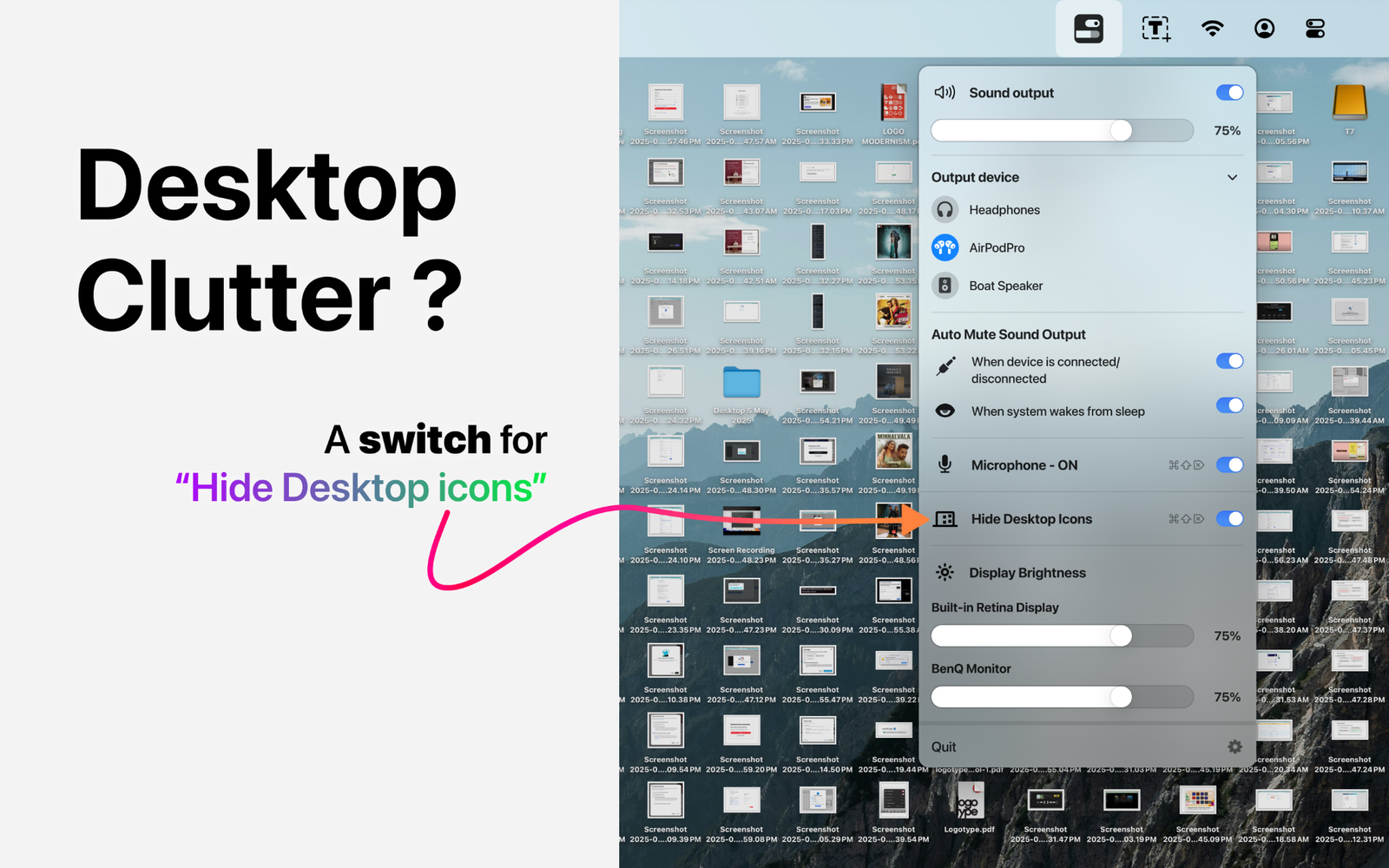
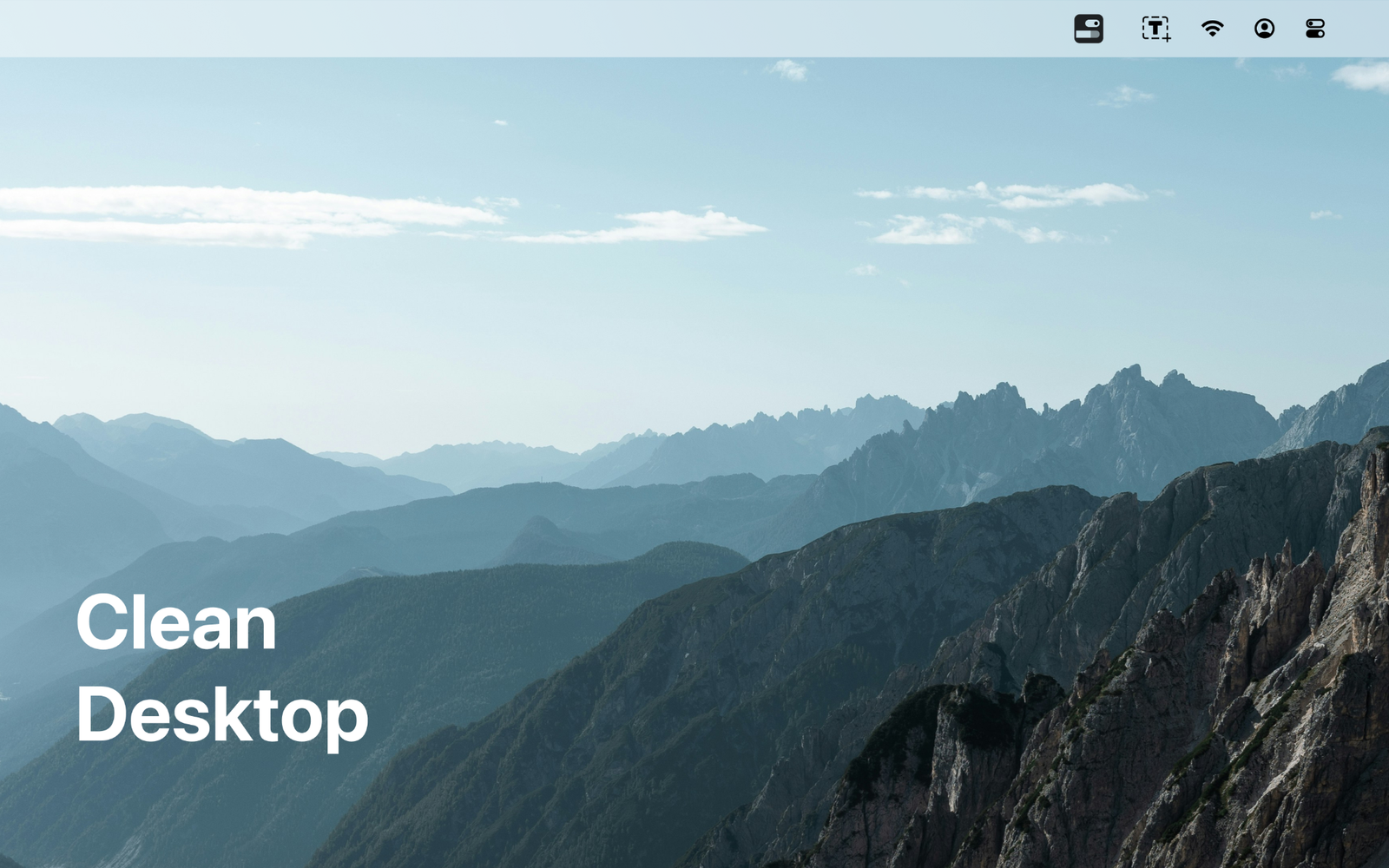
Hide desktop icons

Clear visual clutter before presentations, recordings or screen sharing.

Display brightness

Adjust the brightness of supported built-in and external displays.

Menu-bar access

Keep all of these controls within immediate reach.

App Store screenshots

See every control
in context.

FAQ

Questions about Easily.

What does Easily control?

Sound output, microphone state, desktop-icon visibility, automatic output muting and supported display brightness.

Does Easily use cloud storage?

No. The published privacy policy states that Easily uses no cloud storage.

Will brightness control work on every display?

Support depends on the connected display, its capabilities and connection method.

Does Easily share data with third parties?

The published privacy policy states that Easily does not share user data with third parties.